
| Worker | Entries | Missed | Status |
|---|
Union Paving / Tracks Unlimited
Forms
Jobsite Hazard AssessmentReports
Unedited JHA rate
—
No entries in range
Avg. time to submit
—
No entries in range
Unregistered crew rate
—
No entries in range
Worker Compliance
Overall Compliance
0%
Worker Submissions Graph
Weekly totals across the year, grouped by month — hover a bar for its exact week and count. Export downloads this worker's full submission list, not just the weekly totals.
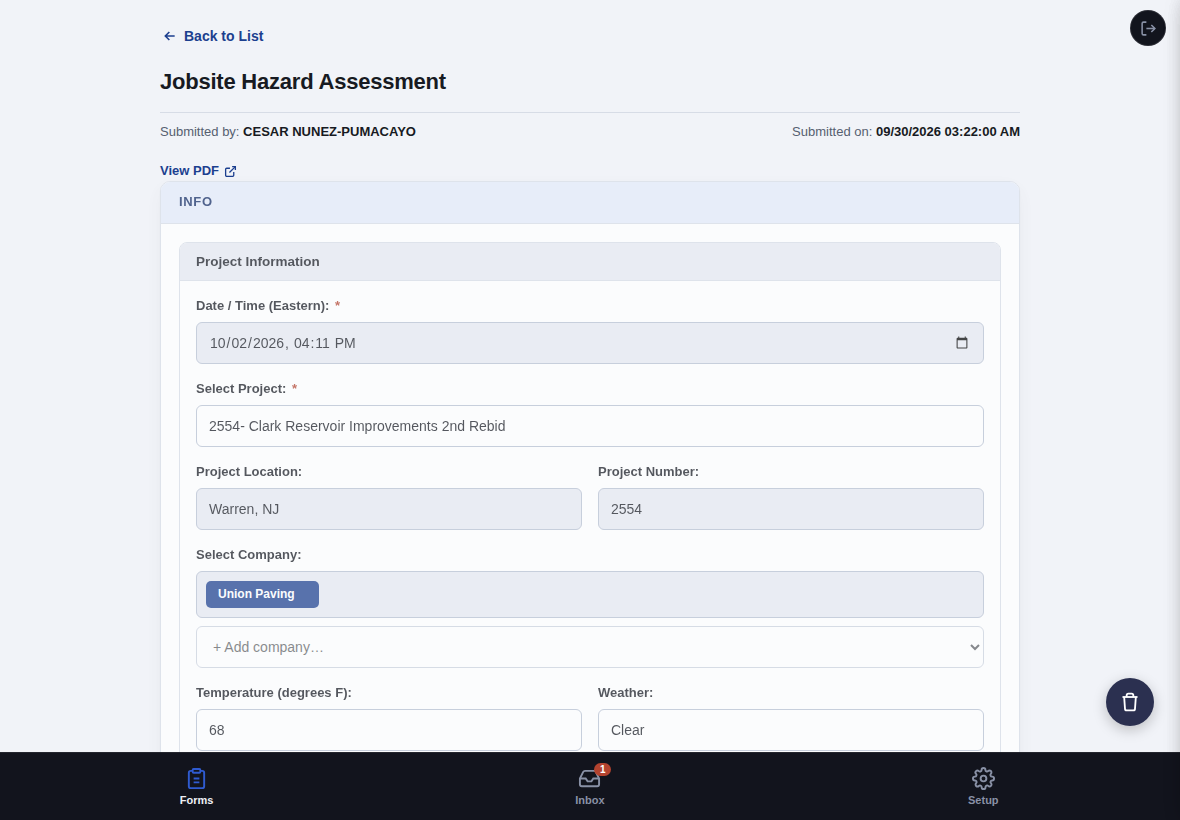
Back to List
View PDF
Project Information
Signatures
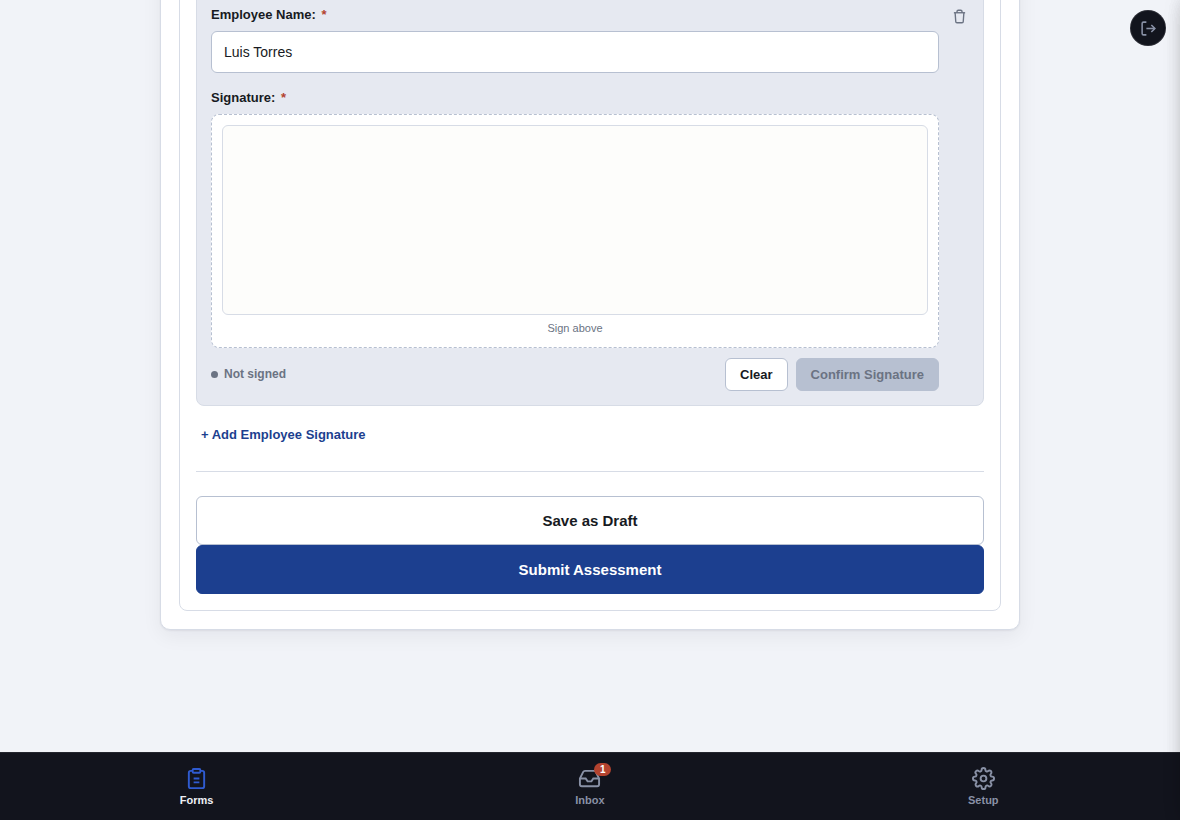
By signing below, each individual confirms they were briefed on the hazards and controls listed in this assessment prior to starting work.
Sign above
Not signed
Only workers assigned the Foreman role in Workers appear here.
Employee Signatures:
Pulls the crew from this foreman's most recent JHA for the selected project — select Foreman Name above first. Signatures are never carried over — everyone signs fresh today.
Back to List
This entry doesn't have full mock detail wired up in this demo — only the Clark Reservoir Improvements 2nd Rebid assessment (submitted by Cesar Nunez-Pumacayo) has a complete record to open.
Projects
Workers
Setup
Basic Preferences
Appearance
My Profile
Emergency Contact
Change Password
Account
Help
How to Use This App
Tap a step below to expand it.
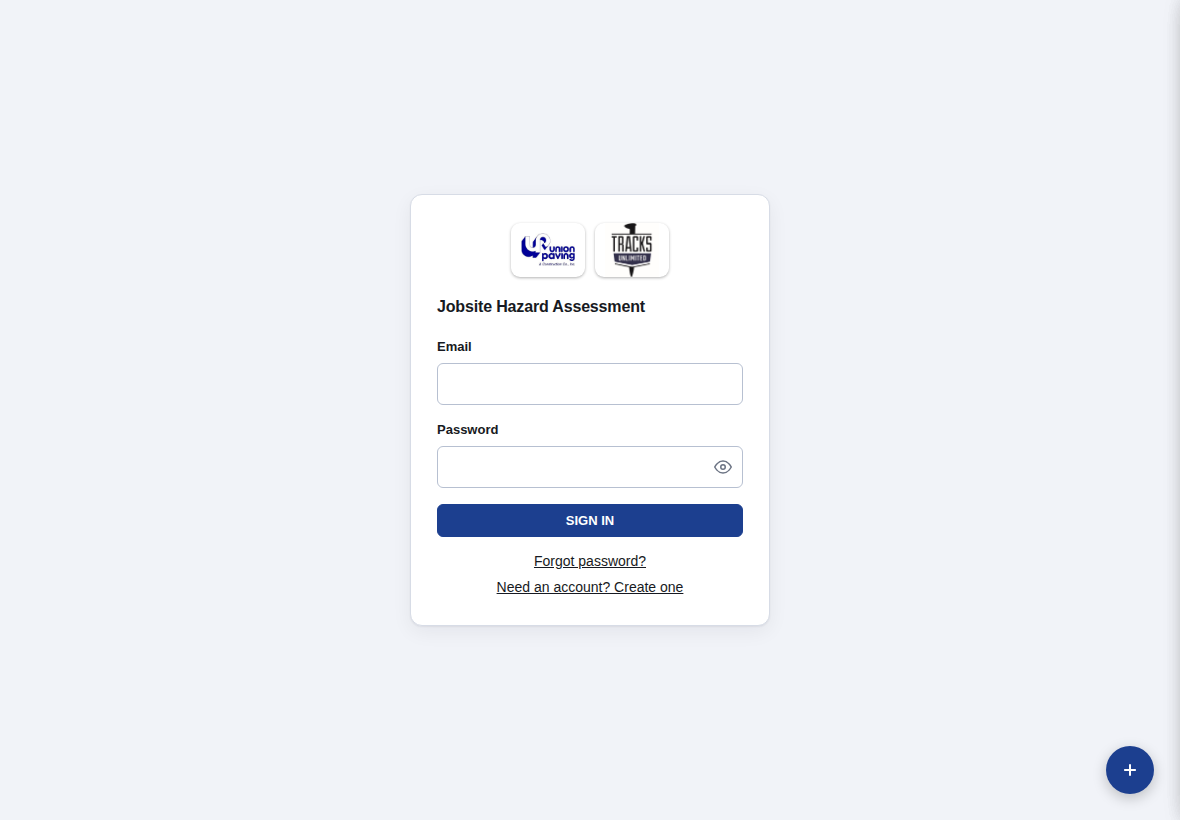
1. Sign In
Enter your email and password, then tap Sign In.
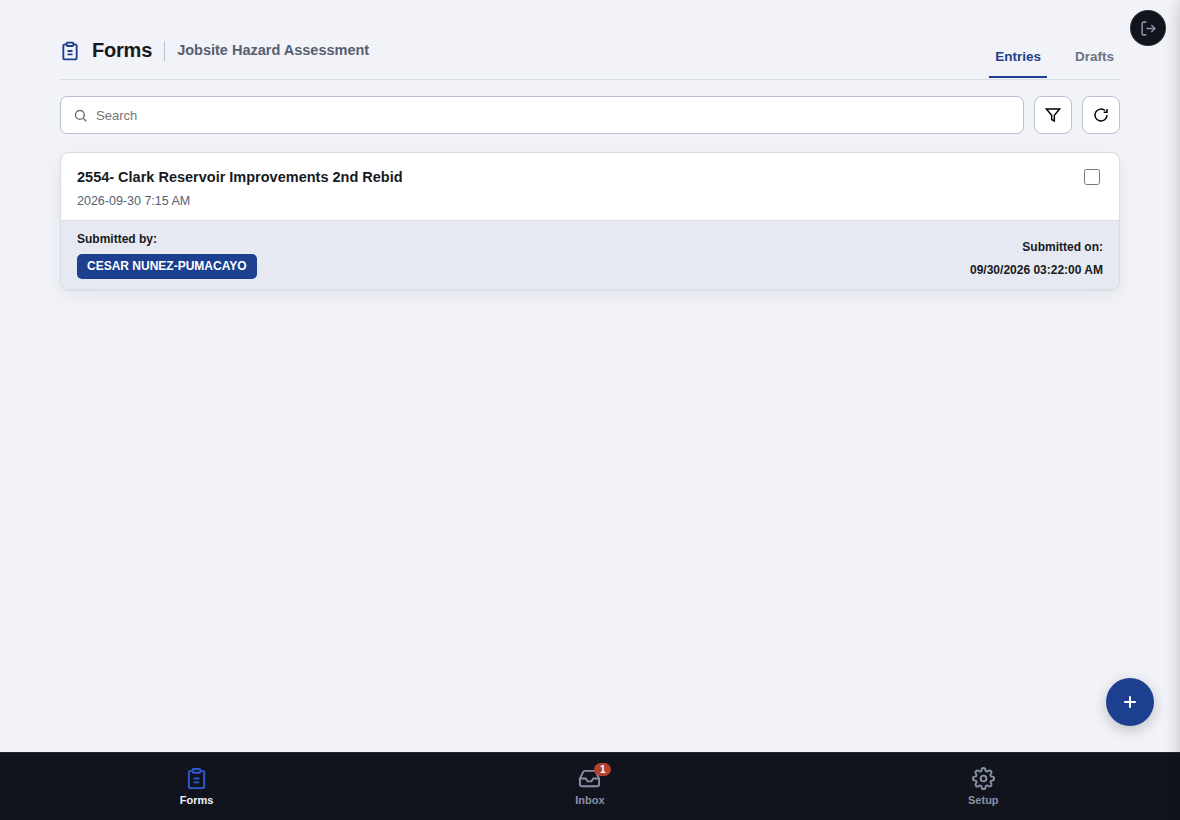
2. Find Your Forms / Start a New One
The Forms tab lists every Jobsite Hazard Assessment you've submitted. Search, filter, or refresh the list from the bar at the top. Tap + New Assessment at the top right to start a new one.
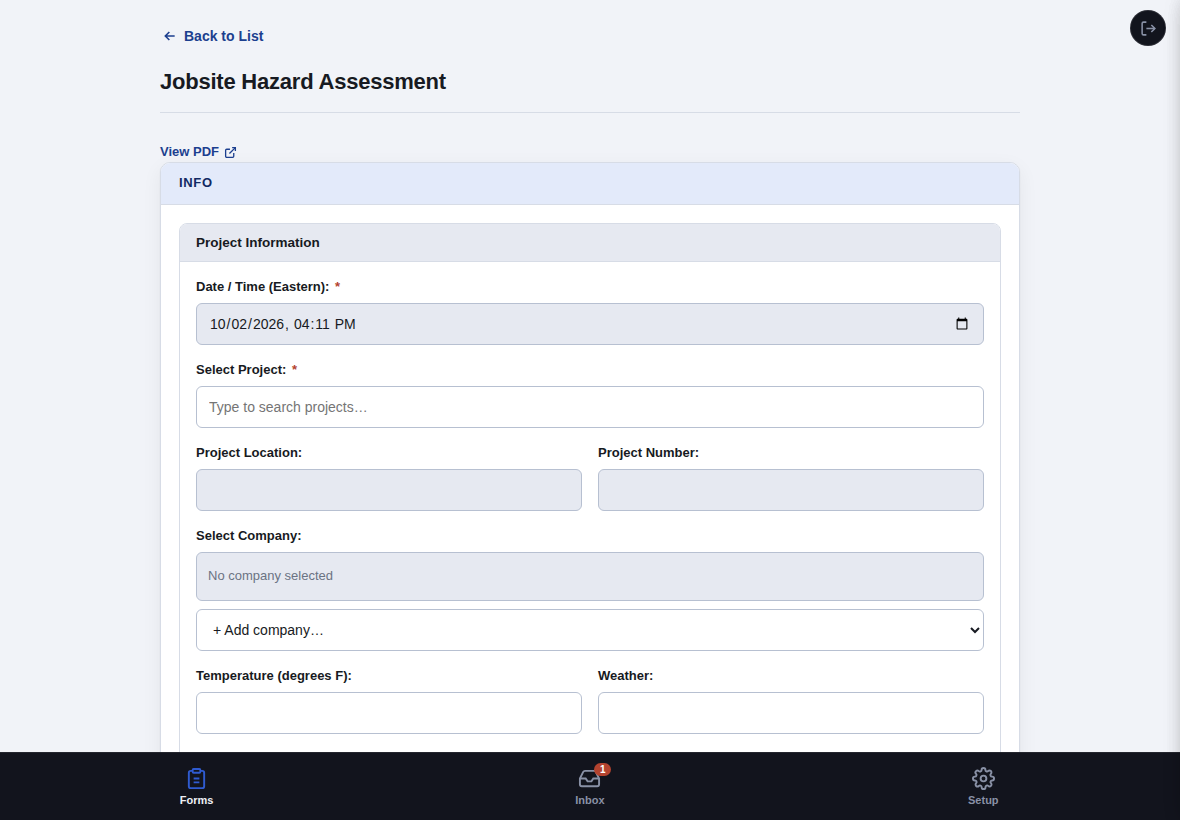
3. Fill In Project Info
Date/Time fills in automatically. Type to search for your project — Location and Project Number fill in on their own once you pick one. Then select the company, temperature, and weather.
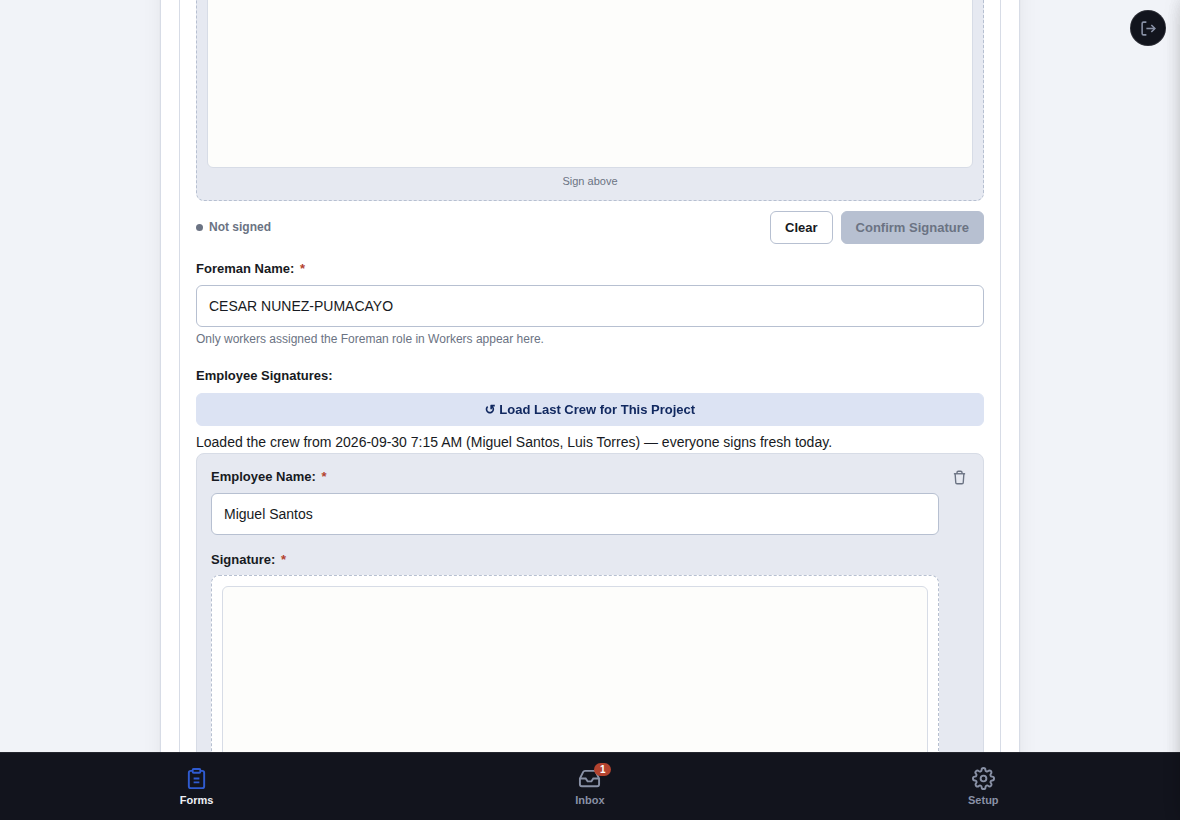
4. Load Last Crew
After picking a project and selecting your name from the Foreman Name dropdown, tap Load Last Crew for This Project to pull in your own crew from the most recent JHA you submitted for that project — not another foreman's, if more than one of you works the same job. No retyping names every day. Everyone still has to sign fresh, but you don't have to rebuild the list from scratch.
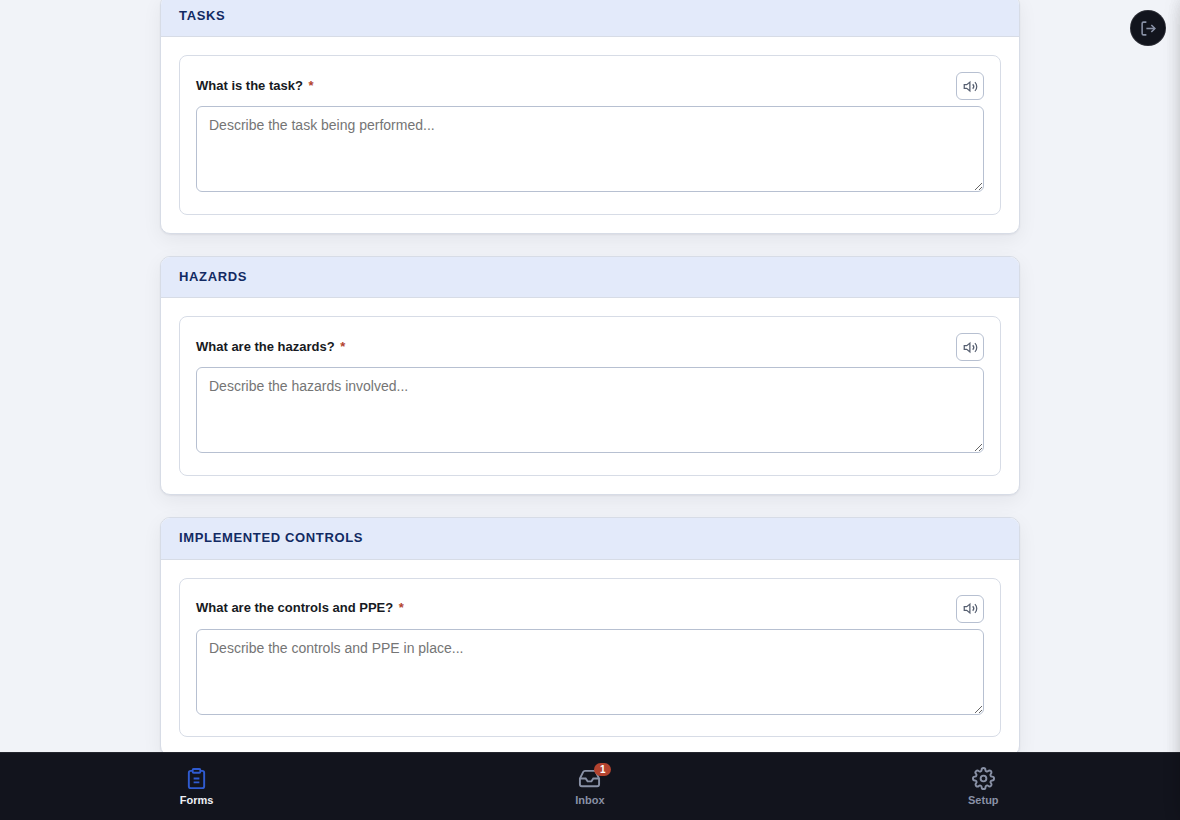
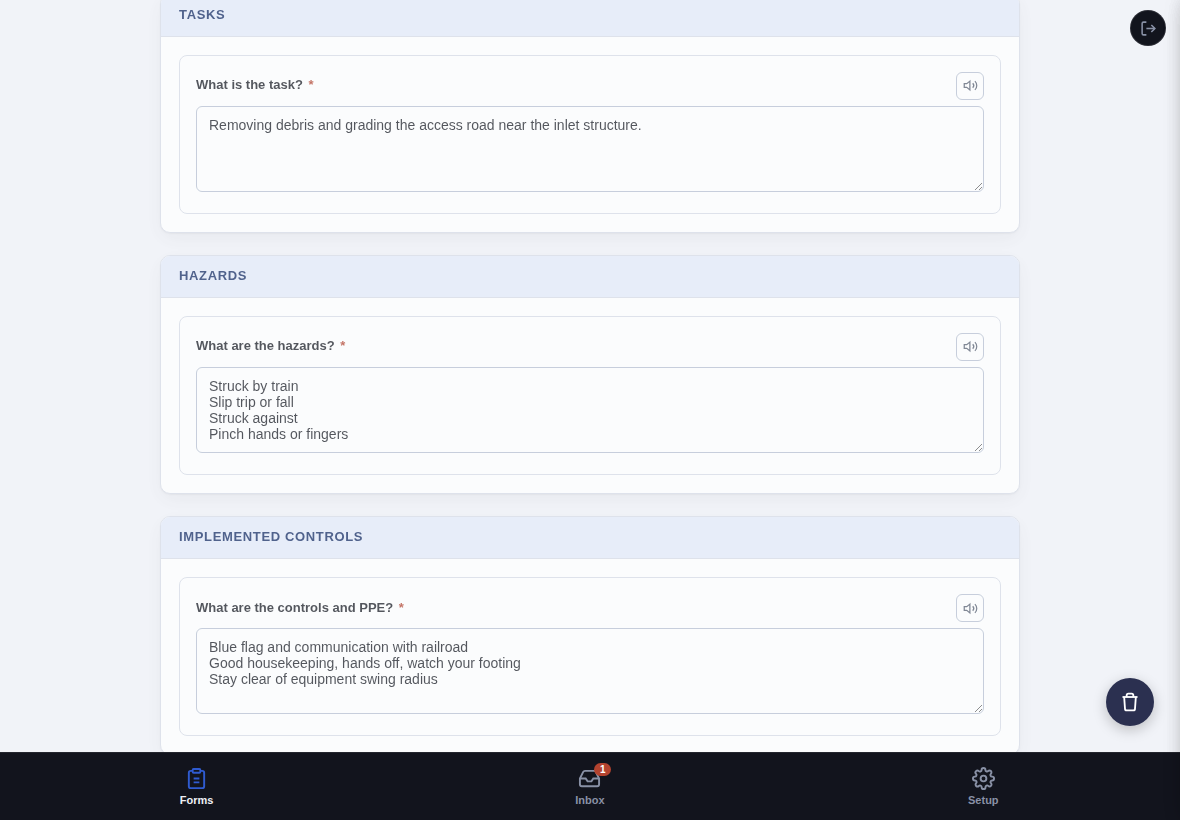
5. Describe the Task, Hazards, and Controls
Describe the task being performed, the hazards involved, and the controls/PPE in place. Tap the speaker icon next to any question to have it read aloud.
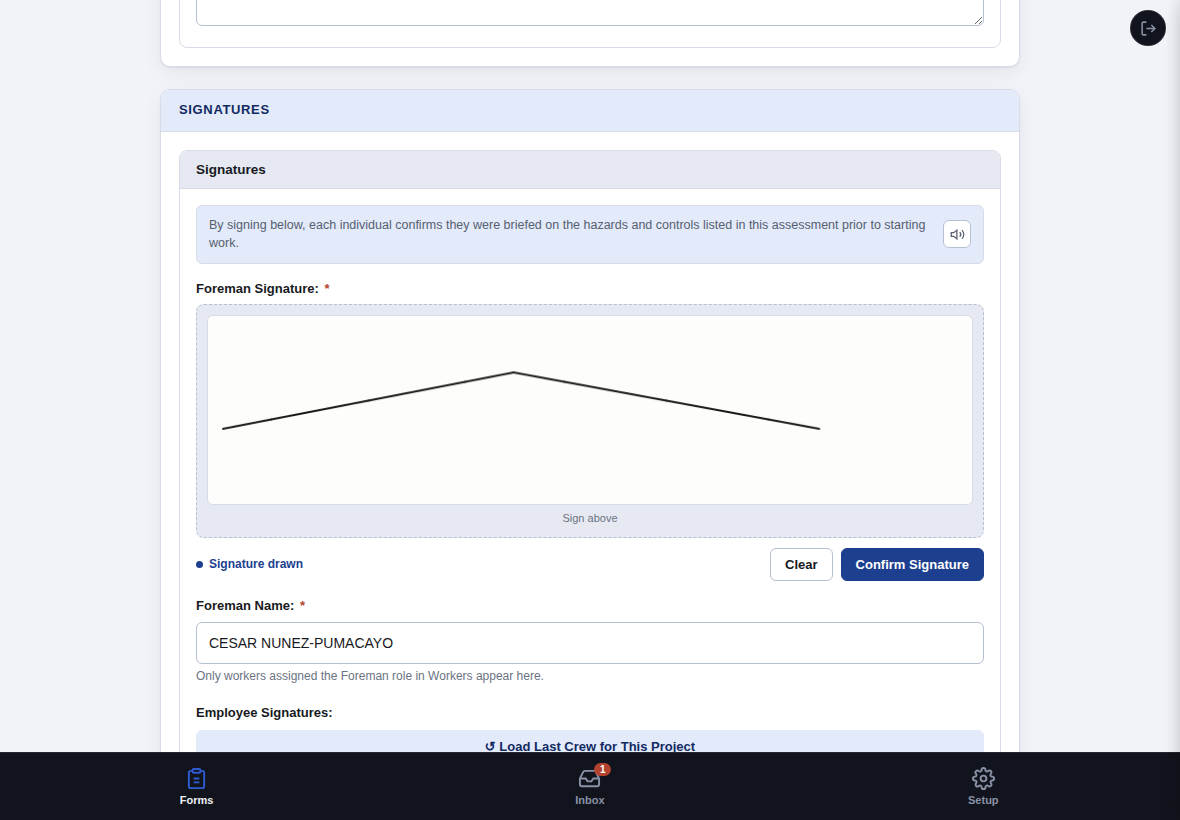
6. Sign as Foreman
Sign in the Foreman Signature box, and double check the Foreman Name dropdown below it — it only lists workers assigned the Foreman role in Workers.
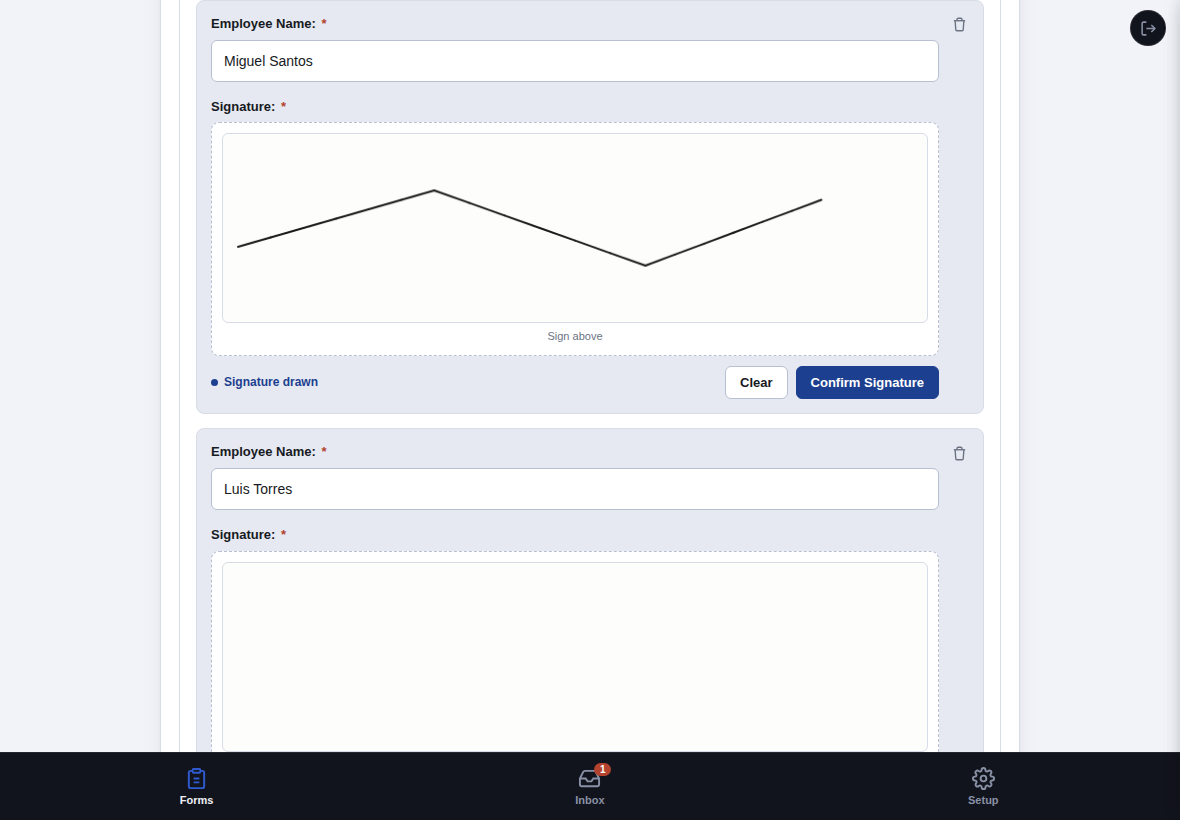
7. Each Crew Member Signs
Every person on the crew signs their own box to confirm they understood the task and hazards. Draw directly on the box with a finger or stylus, then tap Confirm Signature. Use + Add Employee Signature for anyone not already on the list.
8. Submit
Save as Draft if you need to finish later. Submit Assessment once everyone's signed — a submitted JHA can't be edited afterward, so double check it first.
9. Review a Past Submission
Tap any entry in the Forms list to view it. Past submissions are read-only — nothing can be edited after it's submitted. Tap View PDF near the top to export it.
10. Scrolling a Long Answer
If an answer is longer than its box, scroll inside the box to read the rest, or drag the bottom-right corner to resize it.
Inbox
Your Notifications